MEMPHIS AREA
In-home TV and WiFi help for older adults
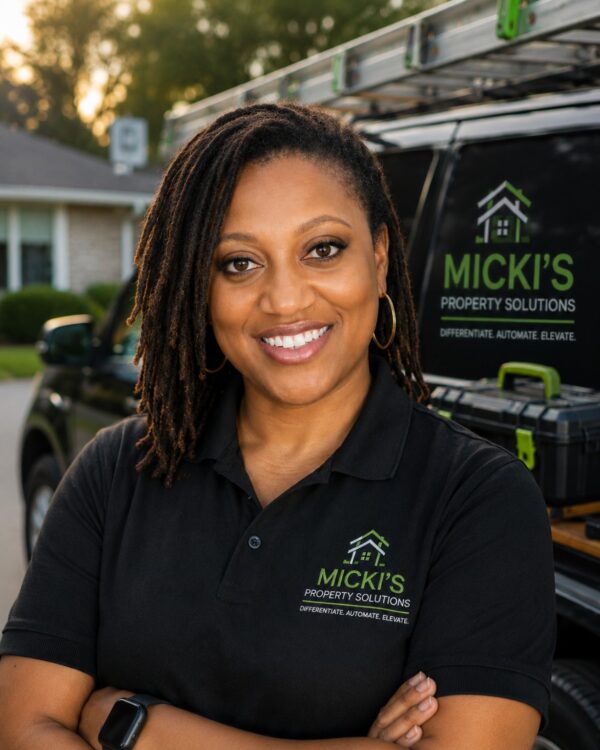
Has your TV stopped streaming since you switched internet providers? Need help getting a new remote, Roku, or video doorbell working? I’m Micki. I come to your home, troubleshoot the problem, and show you how to use what we set up before I leave.
You can request a paid visit for yourself or a family member. Tell me what’s giving you trouble, and I’ll confirm the price and appointment time with you.
PROBLEMS I HELP SOLVE
Weak coverage and dead zones
I review router placement, signal coverage and whether a compatible extender or mesh setup could improve the connection.
Devices that keep dropping offline
Printers, cameras, televisions and smart-home accessories can behave differently on the same network. I investigate connection settings and equipment compatibility.
New router and network setup
I help configure compatible home routers, mesh equipment and everyday connections, then test the important devices.
MY APPROACH
Find the cause before buying another box.
A weak connection can come from router location, interference, device settings, old equipment or a problem with the internet service itself. I check the parts of the system I can test and explain what the results mean.
If the problem is with the internet provider or equipment only they can service, I’ll tell you what information to take back to them.
Getting a TV back online in Olive Branch
After an Olive Branch homeowner switched internet providers, her Samsung TV and home security system had trouble connecting. I adjusted the router settings and got both back on WiFi. Then I set up YouTube TV and walked her through finding it on the TV’s home screen.
BEFORE THE VISIT
Tell me which provider and equipment you use, where the trouble happens and which devices are affected. If you have a mesh system or extender, send the model information. Have your network credentials available to enter yourself if needed.
FREQUENTLY ASKED QUESTIONS
Do I need a new router?
Not necessarily. We should look at placement, settings, equipment condition and coverage before buying hardware.
Can you connect my smart TV, printer or camera?
Yes. Connecting compatible home devices is one of the services I provide.
Can you guarantee faster internet?
Your internet plan and provider set some limits. I can diagnose your in-home setup, recommend practical improvements and explain what depends on the provider.